The challenge
Shipping cost data arrived as many separate Excel files spread across folders. Every week someone had to open them one by one, copy the relevant sheet into a master file, tidy it up and rebuild the pivot table by hand — slow and error-prone.
The solution
A single script that runs the whole consolidation end to end:
CollectFinds every .xlsx file in a folder and its subfolders
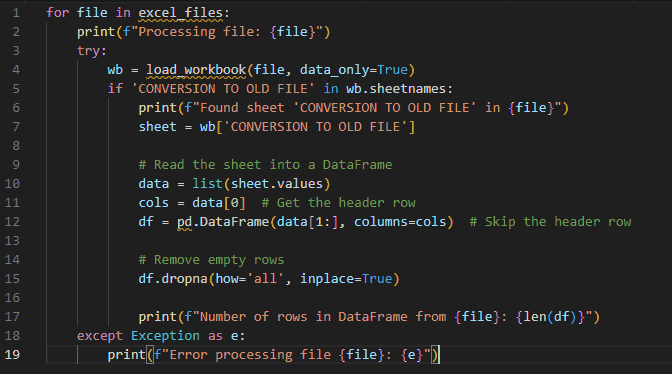
Extract & cleanReads the target sheet, removes empty rows, rounds values
ConsolidateAppends each file to the template at the next free row
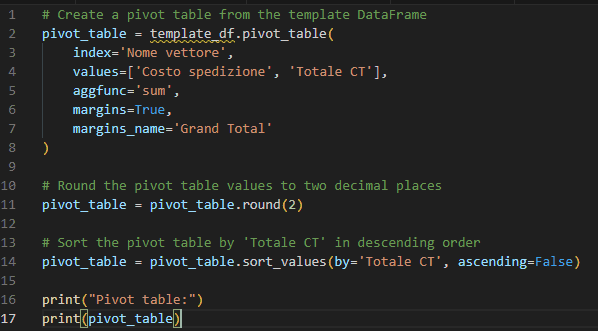
SummariseBuilds a pivot of costs and totals by carrier, sorted by total
Results
- Weekly manual consolidation eliminated
- Pivot table ready to use as soon as the script finishes
- Any number of files handled in a single run
- Errors caught and logged, with execution time reported
Stack
Python
Pandas
openpyxl
Excel
Client names and confidential figures have been omitted. The images on this page contain no client data.